Photoshop AI Features: New Control and Speed from Adobe
Adobe introduces new Photoshop AI features with precise lighting layers, smart masking, and faster prompt workflows for creative pros.
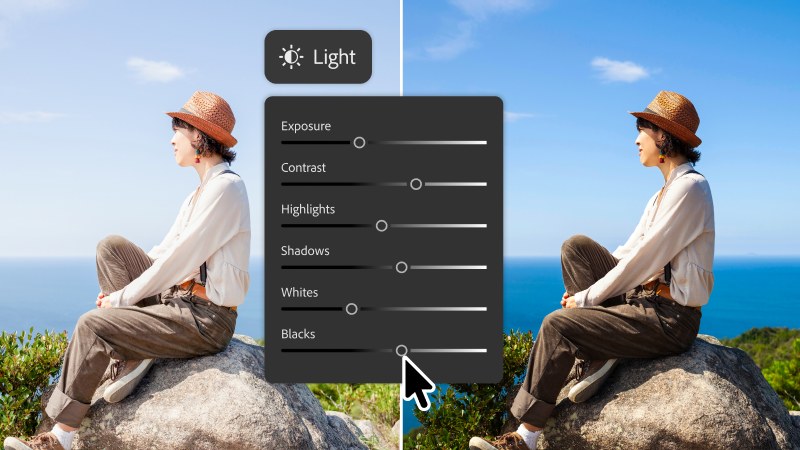
The latest updates from Adobe address a central friction in digital asset production: balancing automated machine assistance with manual precision. The newly introduced Light Adjustment Layer brings non-destructive Camera Raw controls directly into the primary document hierarchy. Creatives gain direct access to Exposure, Contrast, Highlights, and Shadows on dedicated layer targets without round-tripping into external dialog windows. These Photoshop AI features integrate core color grading and exposure refinement into routine layer management, ensuring adjustments remain reversible throughout active composition builds.
Contextual Precision Across Photoshop AI Features
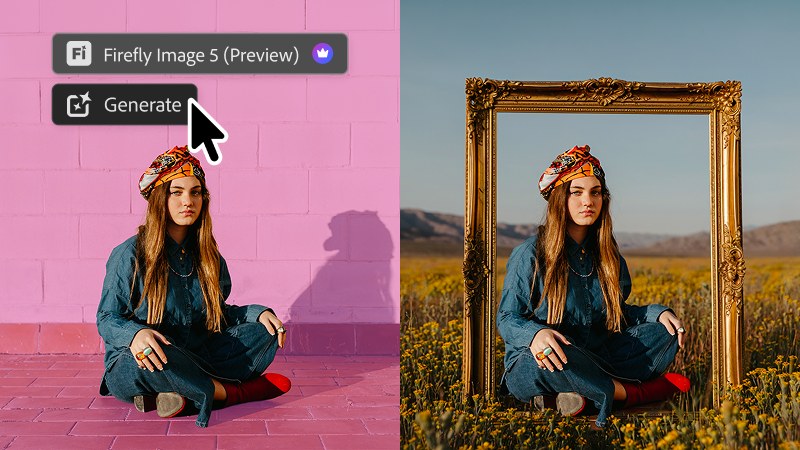
Contextual understanding drives the secondary update through Instruct Edit with Masks, anchored by Firefly Image 5. Rather than requiring meticulous lasso selections, the model parses contextual boundaries to apply natural language instructions strictly to intended subjects. Unmasked areas stay isolated, keeping typography, vector graphics, and brand assets untouched. Supplementing text instructions, the new Markup tool allows designers to sketch directional arrows and rough perimeter shapes directly on the canvas, removing semantic ambiguity when directing complex edits through Photoshop AI features.
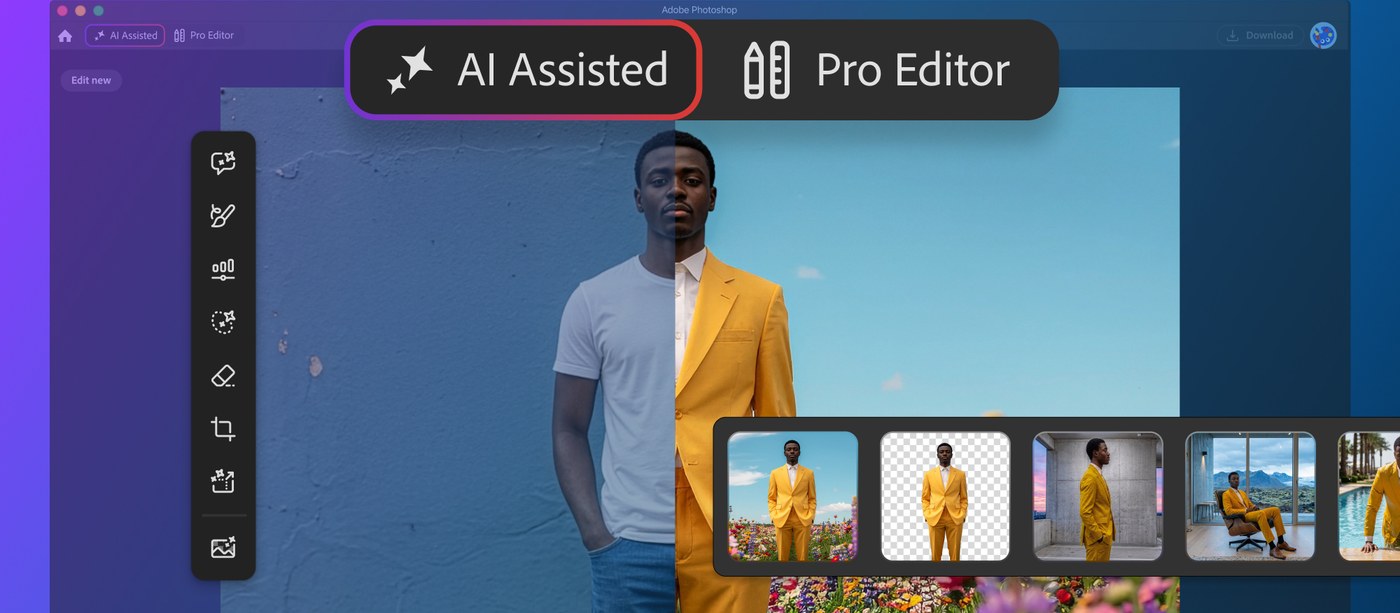
For layout and typography workflows, Dynamic Text now conforms automatically along custom vector curves and freeform paths without breaking existing typographic formatting. Alongside these core engine additions, Adobe launched the AI Assisted Editor in beta. The interface presents a dedicated prompt environment featuring Prompt to Edit, Generative Expand, and rapid object removal, advancing practical Photoshop AI features for professional production pipelines. Those working in the classic Pro Editor access identical prompt-based adjustments through the Contextual Task Bar, generating standalone generative layers that protect non-destructive production hierarchies.
These software updates streamline asset creation by integrating prompt-driven speed into rigorous layer hierarchies. Learn more about the new Photoshop AI features and complete release notes on the Adobe Blog.